BloxNG Discord
Official community invite, channel habits, and how to use Discord alongside this wiki.
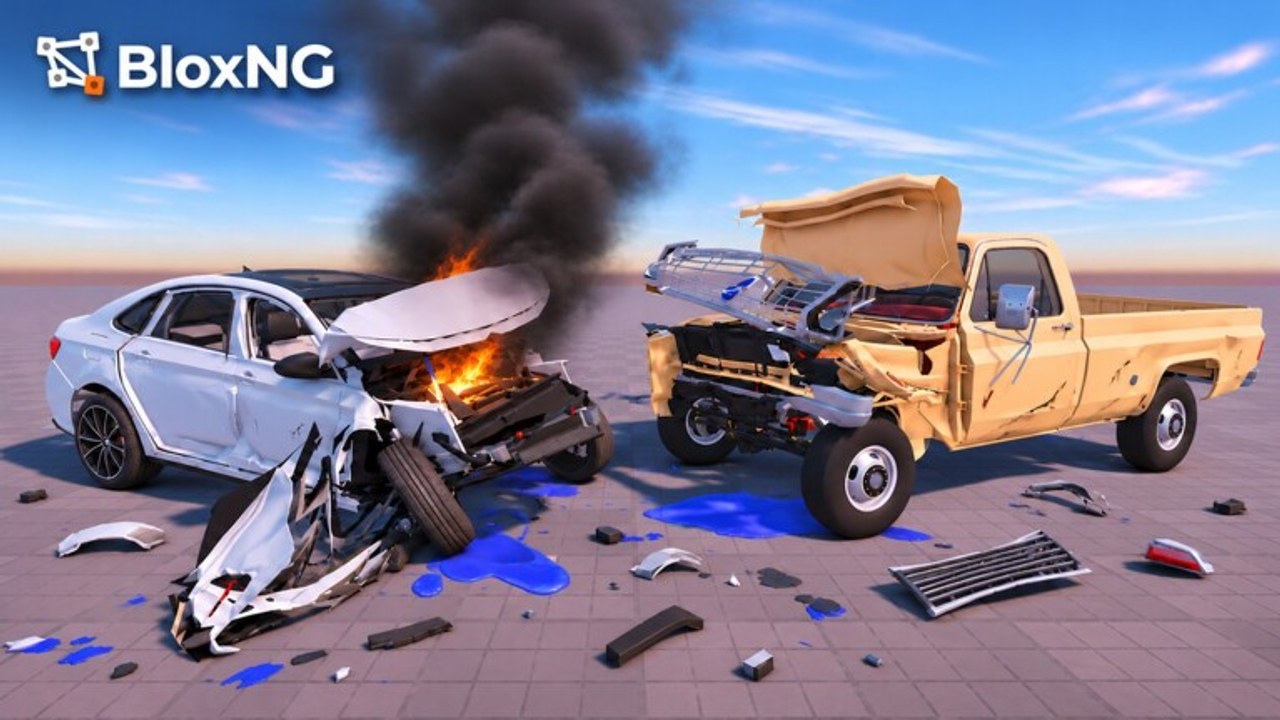
The fastest soft-body news often lands in Discord before it reaches every Roblox description rewrite. For BloxNG by Deform Dynamics, the community invite is:
https://discord.com/invite/pHKv7SCvmV
Join there for patch chatter, clip feedback, duo stunt planning, and clarification during teased windows like Mystery Update (Nov 13-20 2026, 12:00 PM ET) or featured Update 1 drops. This wiki page explains how to use the server responsibly and how it pairs with guides on the Guides Hub.
Why Discord matters for a beta crash game
BloxNG iterates in public beta. Menus shift, maps expand, airbags arrive, and economy labels rename. A 10-player lobby cannot hold every theorycrafter, but Discord can. When soft-body tuning or new props appear, screenshots and short clips travel faster in chat than in search indexes.
Approximate community scale around recent snapshots - about 2.4M visits, 10k favorites, high CCU, 93% likes - means event weeks get noisy. Use roles, channels, and search instead of spamming everyone. Desktop, Mobile, Tablet, and Console players all meet in the same text channels even when their in-game controls differ (Controls).
How to join
- Open the invite: discord.com/invite/pHKv7SCvmV.
- Accept rules / verification steps the moderators present.
- Set a clear nickname if the server asks for Roblox names.
- Mute high-volume channels until you know which ones you need.
- Read pinned messages before asking when the next update lands for the hundredth time.
If the invite ever expires, check Official Links and the Roblox experience description for a refreshed URL. Favor the official game page so Roblox event cards still reach you even when Discord is quiet.
What to post (and what not to)
Helpful
- Soft-body clips that show crumple zones clearly.
- Repro steps for real bugs (platform, vehicle, speed, angle).
- Scout notes for New Map & Airbags landmarks.
- Looking-for-group messages that state platform and goal (practice / clip / chill drive).
- Polite links to wiki guides like Crash Physics or Getting Started.
- Short notes when a hotfix changes airbag feel or cash UI labels from Earn Cash.
Unhelpful / risky
- Fake Mystery Update leaks.
- Script advertisements that push ToS-breaking farms.
- Harassment, spam, or spoilers that break server rules.
- Demands for free Robux or account shares.
- Doxxing or drama screenshots from other communities.
- Password phishing disguised as required beta tools.
Pairing Discord with this wiki
| Need | Use |
|---|---|
| Day-one onboarding | Getting Started then ask Discord only if stuck |
| Input issues | Controls + short clip in help channel |
| Deformation questions | Crash Physics |
| Money goals | Earn Cash |
| Patch dates | Updates Hub + Discord announcements |
| Pre-clip prep | Impact Checklist |
| Etiquette | Players Hub |
Bring answers back to the wiki mindset: durable tips belong in guides; fleeting rumor belongs in chat with disclaimers.
Event-week Discord habits
During Mystery Update or Update 1 peaks:
- Follow announcement channels first.
- Search before duplicating questions.
- Share server hop tips instead of camping one prop as a group of ten.
- Credit creators when you reshare clips.
- Assume beta instability - hotfixes can land mid-conversation.
- Point newcomers to New Map & Airbags before dumping unexplained screenshots.
LFG templates that work
Try messages like: Desktop player looking for two consenting crash partners on the Update 1 wall near spawn south, medium-speed frontals only. Or: Mobile learner wants a quiet lobby coach for angle drills, no griefing. Clear intent keeps 10-player servers fun and mirrors the etiquette on the Players Hub.
Safety reminders
Never share passwords, backup codes, or executor files supposedly required to play BloxNG. Soft-body crashing does not need malware. Report suspicious DMs to Discord moderators and use Roblox account security best practices. This wiki covers legitimate play; treat anyone selling guaranteed Mystery Update spoilers with skepticism.
After you join
Introduce yourself with platform plus favorite crash type (frontal crumple, wheel snap hunting, airbag cinema). Offer one helpful scout tip. Then jump into a lobby via the official game link and put the advice into crumpled metal. Keep the Tools Hub checklist nearby when you organize clip nights.
Discord is the campfire; the wiki is the field manual. Sit at both, crash with consent, and help the beta stay welcoming while Deform Dynamics ships the next surprise.
Frequently Asked Questions
Quick answers for BloxNG crash physics, codes, scripts, and updates.
What is the BloxNG Discord invite?
https://discord.com/invite/pHKv7SCvmV - also linked from the Official Links hub if you need to find it later.
Do I need Discord to play BloxNG?
No. Discord helps with news and groups, but you can play solely through Roblox. The wiki covers core guides either way.
Can I share scripts in Discord?
Follow the server rules. Many communities ban ToS-breaking ads. Prefer legitimate play tips and soft-body clips.
Where should I ask about Mystery Update contents?
Check announcement channels first, then the wiki Mystery Update page. Avoid spreading unverified leaks.
The invite does not work - what now?
Invites can rotate. Recheck Official Links, the Roblox description, or ask a trusted friend already in the server for a fresh link.