BloxNG Tools Hub
Checklists and performance helpers that turn random wrecks into repeatable soft-body results.
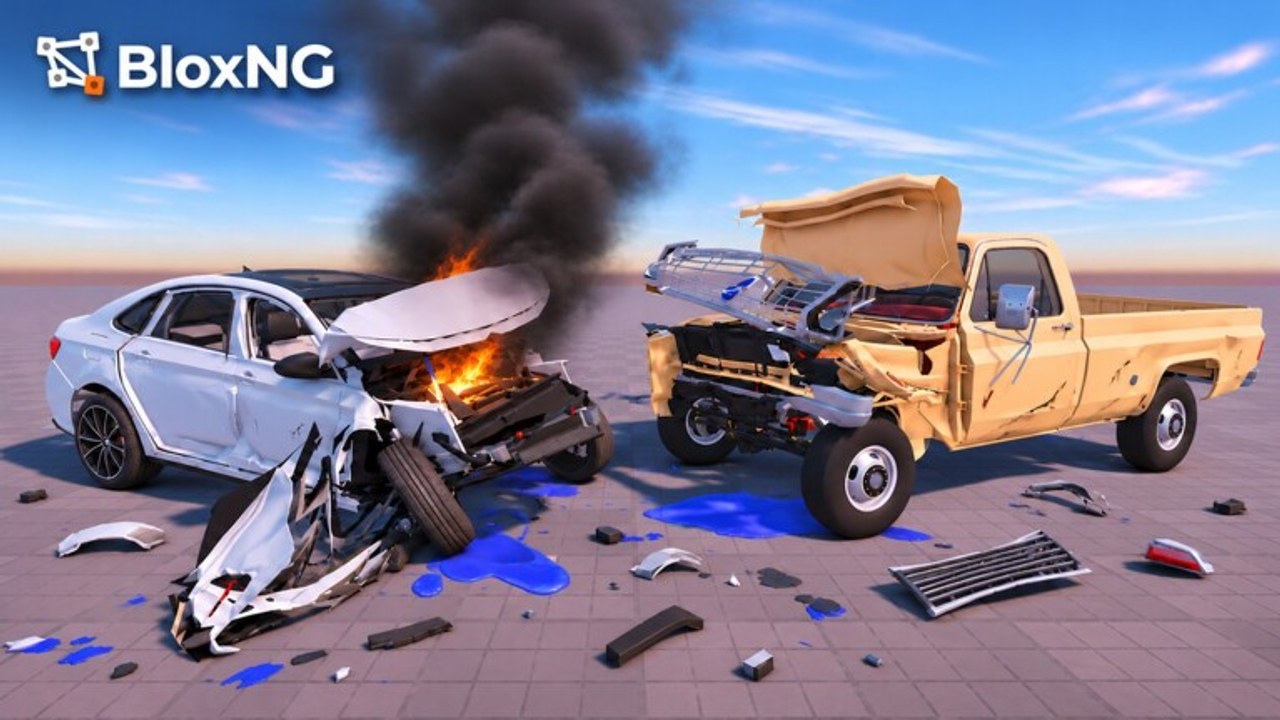
Guides teach ideas; tools help you execute them under pressure. This Tools Hub collects practical BloxNG helpers for Deform Dynamics soft-body crash beta - starting with the Impact Checklist you should run before any showcase hit and Performance Tips when pileups hitch. Use these pages alongside the Guides Hub and Updates Hub whenever maps, airbags, or UI labels shift.
BloxNG rewards intentional chaos. Metal crumples at the impact point, wheels snap, doors hang, glass shatters, and engines or tyres can fail when speed, angle, and weight align. Random boosts into scenery create noise; checklists create clips you can explain on Discord.
Featured tools
- Impact Checklist - pre-crash setup covering camera, approach angle, speed band, vehicle weight notes, prop choice, airbag awareness, etiquette, and post-hit review. Built for Desktop, Mobile, Tablet, and Console players sharing 10-player servers.
- Performance Tips - soft-body lag reduction for multi-car pileups, graphics priority order, and platform checklists for Mobile, PC, and Console.
More interactive calculators can join this hub later; process tools stay highest-leverage while beta numbers keep moving.
When to open Tools vs Guides
| Situation | Open |
|---|---|
| Learning what soft-body means | Crash Physics |
| About to record a wreck | Impact Checklist |
| Frames drop in pileups | Performance Tips |
| First day in-game | Getting Started |
| Inputs feel off | Controls |
| Farming currency | Earn Cash |
| New asphalt / airbags | New Map & Airbags |
| Patch just dropped | Updates Hub |
How to use tools in a session
- Skim the relevant guide so you know why a technique works.
- Open the checklist tool and actually tick mental boxes.
- If the lobby is heavy, run Performance Tips before forcing a multi-car scene.
- Run the crash once for data, once for the clip.
- Adjust a single variable (speed or angle or weight).
- Share results with etiquette from the Players Hub.
- After Update 1 or Mystery Update changes, re-validate checklist items that mention map props or airbags.
Design principles for BloxNG tools
- Beta-honest - no fake permanent damage formulas.
- Platform-aware - call out touch vs keyboard differences when they matter.
- Etiquette-positive - never optimize griefing.
- Wiki-linked - every tool points back to deeper guides and Official Links.
- One job each - checklists check; long theory stays in Guides.
Community contributions
If you invent a useful routine (for example, a three-prop rotation for Update 1 landmarks), describe it clearly on Discord and reference this hub. Durable routines may graduate into new tool pages. Avoid spreading script-only tools that break Roblox rules - this hub is for legitimate play aids.
Quick start
New to tools? Open Impact Checklist, pick a quiet wall, and run one textbook frontal. Compare the crumple to what Crash Physics describes. If frames stutter, jump to Performance Tips before another pileup. That loop teaches more than an hour of unfocused highway chaos.
Bookmark the Tools Hub next to Guides. When the beta shifts, your checklist still asks the right questions even if button labels move.
Frequently Asked Questions
Quick answers for BloxNG crash physics, codes, scripts, and updates.
What tools does the BloxNG wiki offer?
Start with the Impact Checklist for pre-crash setup and Performance Tips when soft-body pileups lag. This hub lists additional helpers as they are added.
Is the Impact Checklist required to play?
No, but it dramatically improves clip quality and learning speed, especially after map or airbag updates.
Do these tools work on mobile?
Yes. Checklist and performance steps include mobile and console notes because BloxNG supports those platforms in 10-player servers.
Will you add damage calculators?
Only if beta values stabilize enough to stay honest. Until then, process checklists beat fake formulas.